
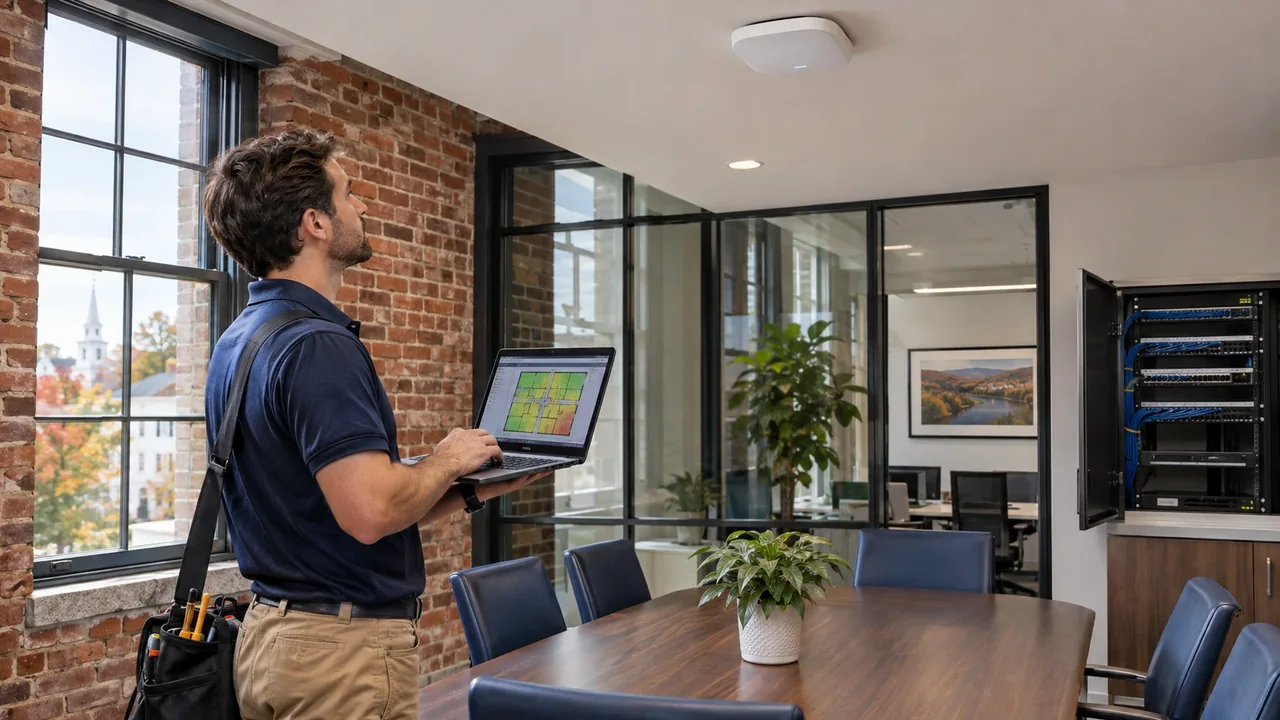
AI-generated illustration of a business technology assessment.
Every office manager has heard the complaint: "The WiFi doesn't work in the back conference room." The usual response is to buy another access point, plug it in somewhere, and hope for the best. Sometimes it helps for a week. Then the complaints come back.
Office WiFi dead zones in Connecticut can result from weak coverage, interference, poor placement, cabling faults, or switch limitations. Adding an access point helps when a survey confirms a coverage or capacity gap, but it won't repair the wired network behind it. Teleworks installs the wired infrastructure every wireless network depends on, including structured cabling and business internet. Here's how to diagnose the full connection before buying more hardware.
WiFi Is Only as Good as the Wires Behind It
Wireless may feel unrelated to cabling, but every access point in your office connects to the network through a physical cable. If that cable is old, damaged, or the wrong grade, the access point can't deliver what it's capable of, no matter how new it is.
An access point plugged into a poorly terminated Cat5e run may negotiate a slower speed, drop intermittently, or fail to receive enough power. Many access points draw power through the Ethernet cable itself, and a marginal cable can cause random reboots that look like "flaky WiFi." Before you buy more hardware, test the cabling feeding the access points you already own.
Why Adding More Access Points Often Makes Things Worse
It sounds logical: more access points, more coverage. In practice, WiFi doesn't work that way. Access points share a limited number of radio channels. When too many sit close together and broadcast at full power on overlapping channels, they interfere with each other. Devices struggle to decide which one to join, and performance drops for everyone.
A well-designed wireless network uses the right number of access points, placed deliberately, with power levels and channels planned for coverage, capacity, and roaming. A survey may recommend relocating, adding, or removing access points depending on what it measures.
Common Causes of Dead Zones in Connecticut Offices
Connecticut's commercial buildings create some specific challenges:
- Older construction. Brick, concrete block, and plaster walls common in older Hartford County buildings block wireless signals far more than modern drywall.
- Poor access point placement. Access points tucked in closets, mounted above metal ductwork, or placed at the edge of the building instead of the middle of the coverage area.
- Metal and glass. Filing cabinets, elevator shafts, mirrored glass, and metal-framed partitions reflect or absorb signal.
- Too many devices. An office set up for 15 devices that now has 50 laptops, phones, tablets, and smart displays demands far more from the network than it was designed to provide.
- Consumer-grade equipment. Home-style routers weren't built to handle dozens of simultaneous business users.
- Interference. Neighboring tenants' networks and other equipment can crowd the same channels your office uses.
Most offices have several of these problems at once, so a single fix rarely solves the complaint. A new access point can't overcome a thick masonry wall, a failing cable, and an overloaded switch all at the same time. Solving dead zones means looking at the whole path from the device to the internet, one link at a time.
The Switch Matters More Than You Think
Your access points connect to a network switch, and limited uplink capacity or an inadequate Power over Ethernet (PoE) budget can hurt wireless performance. Heavy traffic may congest a shared connection. A managed switch with suitable quality-of-service controls can help prioritize time-sensitive traffic, while sufficient PoE capacity keeps supported access points powered reliably.
A managed switch lets you separate guest WiFi from your internal network, prioritize voice and video, and see what's happening on your network. For any office with more than a handful of wireless users, it's part of a reliable WiFi design, not an optional extra.
What a Proper Wireless Design Looks Like
A professional WiFi deployment starts before any hardware is purchased:
- A site survey to measure existing signal, identify interference, and map how your building's materials affect coverage
- A placement plan that puts access points where they serve people, usually ceiling-mounted and centrally located
- Dedicated, tested cabling to every access point, ideally Cat6 or Cat6A, with documentation
- Network segmentation so staff, guests, and devices like printers each get appropriate access
- Capacity planning based on how many devices you actually have, with room to grow
Cisco explains that wireless performance depends on traffic load, interference, noise, and coverage. Its radio resource management guidance describes channel assignment and transmit-power control as tools for improving how nearby access points work together.
A Real Example From Central Connecticut
A professional services firm in the Greater Hartford area had added access points for two years, going from three to eight, and still had dead spots in two offices and the conference room. Staff had started tethering to their phones during client calls.
Our assessment showed the problem wasn't coverage. Aging, untested cable runs fed several access points; two were mounted above metal ductwork, and the unmanaged switch couldn't power them all. We re-cabled the problem runs, relocated the access points based on a survey, and replaced the switch. They ended up with fewer access points than before and noticeably better performance throughout the office.
Frequently Asked Questions
How many access points does my office need?
There's no universal number. It depends on square footage, building materials, and how many devices connect at once. A site survey is the reliable way to answer this, and it often results in fewer access points than offices expect.
Should we use a mesh system or wired access points?
For most business offices, wired access points outperform mesh systems because they don't use wireless bandwidth to talk to each other. Mesh can make sense where running cable isn't practical.
How can I tell if my access points are the problem?
Compare WiFi and a known-good wired connection using the same device and destination. Good wired performance with poor WiFi points toward wireless coverage, interference, capacity, or client issues. If both are slow, check cabling, switch uplinks, internet service, and the destination itself. Test more than one device before drawing a conclusion.
Can bad cabling really cause slow WiFi?
Yes. Every access point depends on its cable for speed and power, and a degraded cable limits what the access point can deliver.
Do we need separate guest WiFi?
Yes. Guest WiFi should be isolated from your internal network so visitors can't reach your files, printers, or systems.
Does Teleworks serve businesses outside of Glastonbury?
Yes. We serve businesses throughout Connecticut, including Hartford, West Hartford, Farmington, Rocky Hill, Manchester, Newington, and Wethersfield.
Fix the Foundation, Not Just the Symptom
Dead zones are frustrating, but they are also diagnosable. When you start with the cabling, the switch, and a proper design, you solve the problem once instead of chasing it with new hardware every year.
Teleworks builds the wired foundation that makes wireless work for Connecticut businesses. If your office WiFi has dead spots or inconsistent performance, we'd be happy to take a look.
Contact Teleworks today to schedule a network assessment for your Connecticut office.
Related Connecticut Business Technology Guides
- IT Vendor Disappeared? Connecticut Business Guide
- Plan a resilient office network
- Talk with Teleworks about your network